 PicsOrder · Simple Make
How do you sort years of photos by date?
PicsOrder scans any folder, reads the date each photo and video was actually taken and copies them into clean Year / Month folders. Your originals are never moved, modified or deleted.
Get PicsOrder on the Microsoft StoreFree trial — up to 500 files per sort. Full version: CA$ 9.89 (local pricing varies).
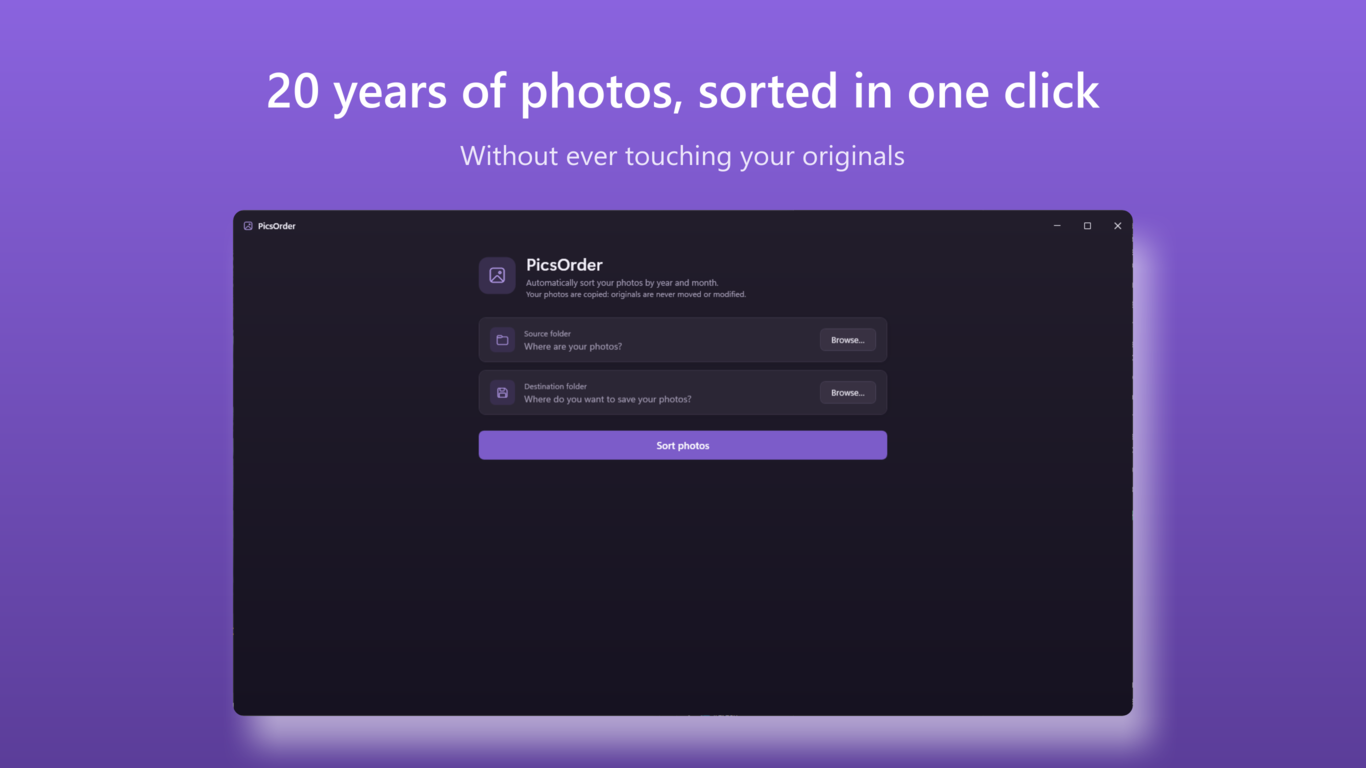
How it works
Pick a source folder
PicsOrder scans it and every subfolder: old phone dumps, SD cards, USB backups.
Pick a destination
An empty folder, an external drive, a NAS — anywhere you want your organized library.
Click Sort photos
Every photo is copied into Year \ Month folders and renamed by date and time. Done.
The facts
Frequently asked questions
Does PicsOrder modify my original photos?
No. PicsOrder only copies. Your originals stay exactly where they are, exactly as they are. Nothing is re-encoded or compressed.
Are iPhone (HEIC) photos supported?
Yes, natively. PicsOrder reads HEIC and HEIF files without any codec, even on PCs where the Windows Photos app cannot open them.
How does PicsOrder know when a photo was taken?
It reads the EXIF date taken embedded by your camera or phone. If a file has no EXIF data (scans, screenshots), it falls back to the file date.
What happens if I run the same sort twice?
Nothing is duplicated. Every photo is compared by digital fingerprint, so re-running a sort skips everything already in the destination — even duplicates with different file names, like the IMG_1234_1 copies created by iCloud.
How much does PicsOrder cost?
CA$ 9.89 one-time purchase on the Microsoft Store (local pricing varies by country). A free trial sorts up to 500 files per run so you can verify everything on your own photos first.
Do my photos leave my computer?
Never. All processing is local. PicsOrder makes no network connections, has no account and collects no data.
How does duplicate detection work?
PicsOrder compares the binary content of files (MD5 fingerprint): two strictly identical files are detected as duplicates even under different names. Similar but modified photos (resized, recompressed, edited) are treated as distinct and both are kept — when in doubt, PicsOrder never removes anything.
Does PicsOrder sort videos too?
Yes — since version 2.1, MP4, MOV and M4V videos are sorted alongside photos, using the creation date embedded in the file (with file-date fallback). The little clip of an iPhone Live Photo is automatically filed and named with its photo.
Free trial — up to 500 files per sort. Full version: CA$ 9.89 (local pricing varies).